Mozilla Firefox
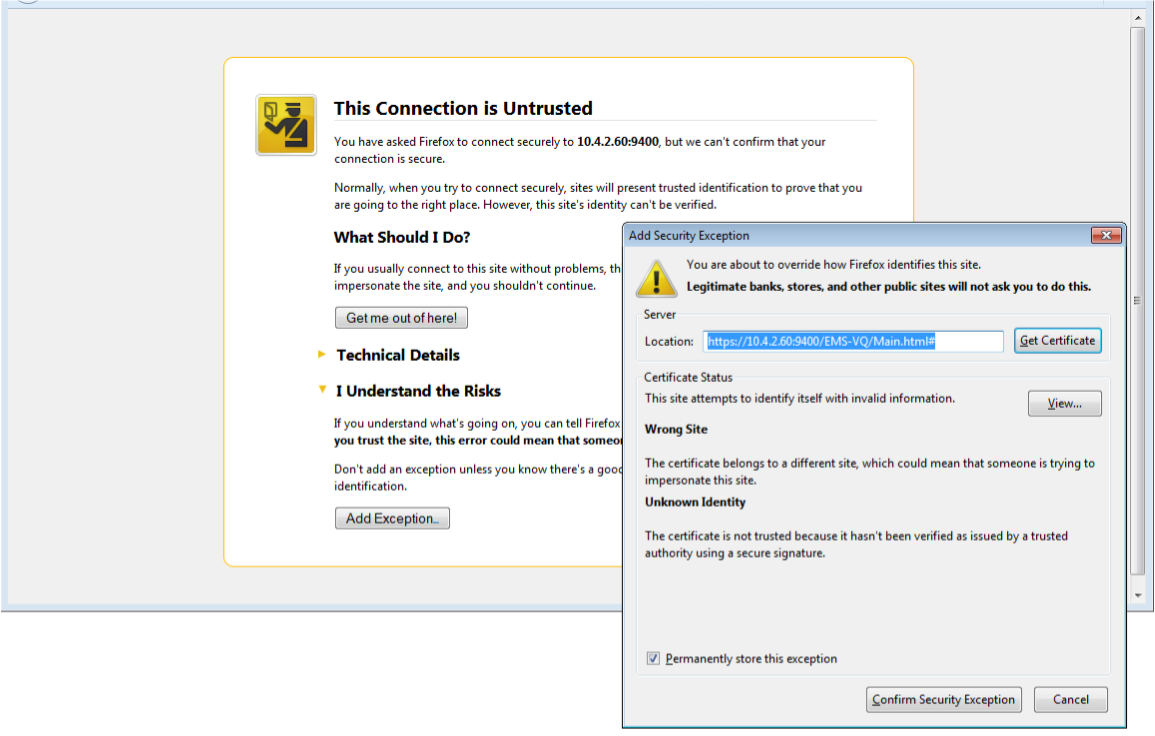
When you are prompted with a message that the web page that you are trying to open using Mozilla Firefox is insecure, do the following:
| 1. | Click the “I Understand the Risks” option. |
| 2. | Click the Add Exception button, and then click the Confirm Security Exception button. |
Mozilla Firefox Settings